What makes an AI video app genuinely useful
An AI video app should remove the three expensive parts of video: writing, visuals and voice. Writing a good explainer script is a skill; commissioning an illustrator is slow; recording a clean voice-over needs a quiet room and good equipment. AutoScribble handles all three from a single prompt, and it keeps you in control of each one.
The difference from generic generators is that AutoScribble plans before it draws. It proposes a title, a full script and a numbered scene plan that you can read, edit or rebuild. Only when you approve does production start, so you never spend credits on a video that misunderstood the brief.
- Script first: read and edit every word before the video is made
- Scene plan: see exactly what will be drawn, in order
- Drawn visuals: each scene is sketched once, with no repeated or recycled shots
- Natural narration with a choice of voices, including premium voices
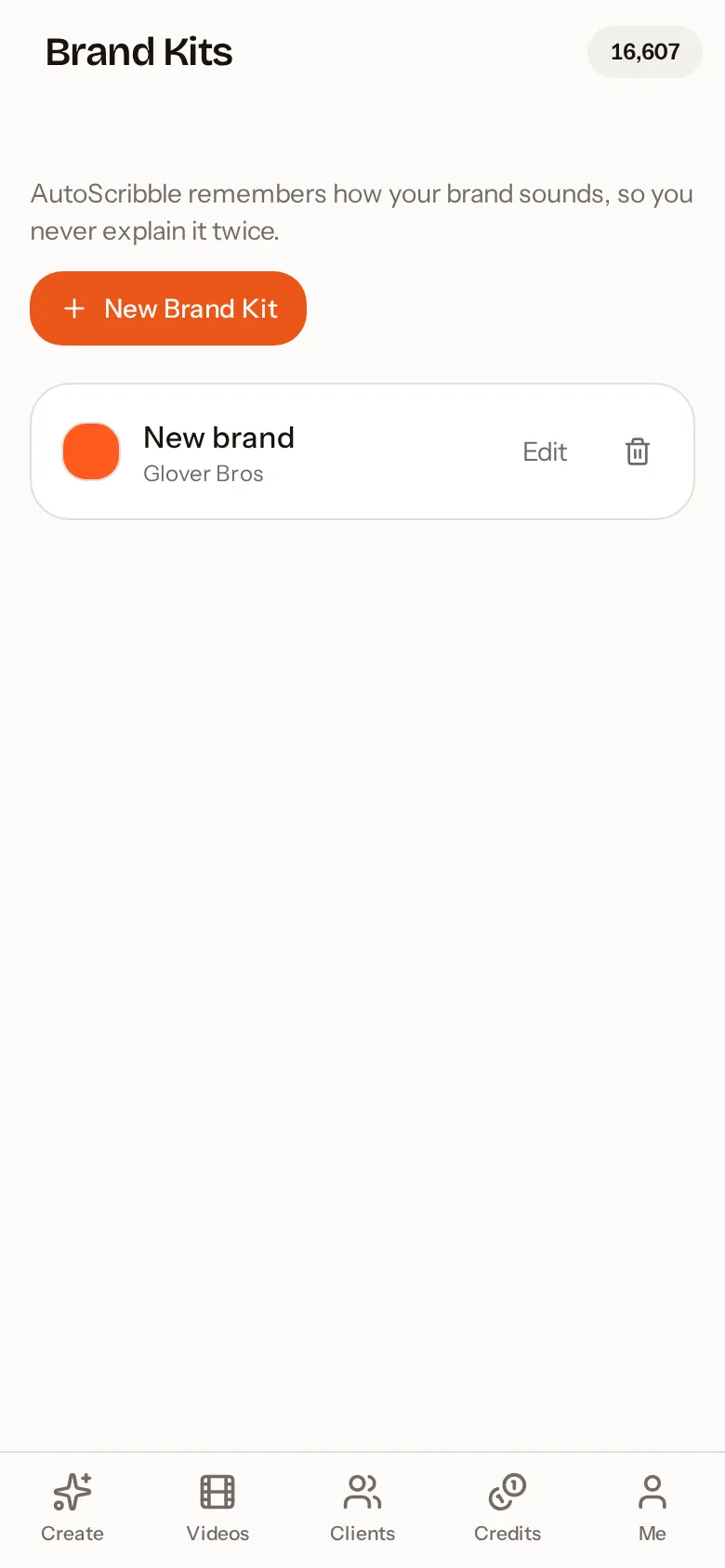
- Your brand colours and logo sketched into the drawing itself
Four ways to start a video from your phone
You do not need a finished script to start. The app accepts whatever you already have, and turns it into a structured video brief.
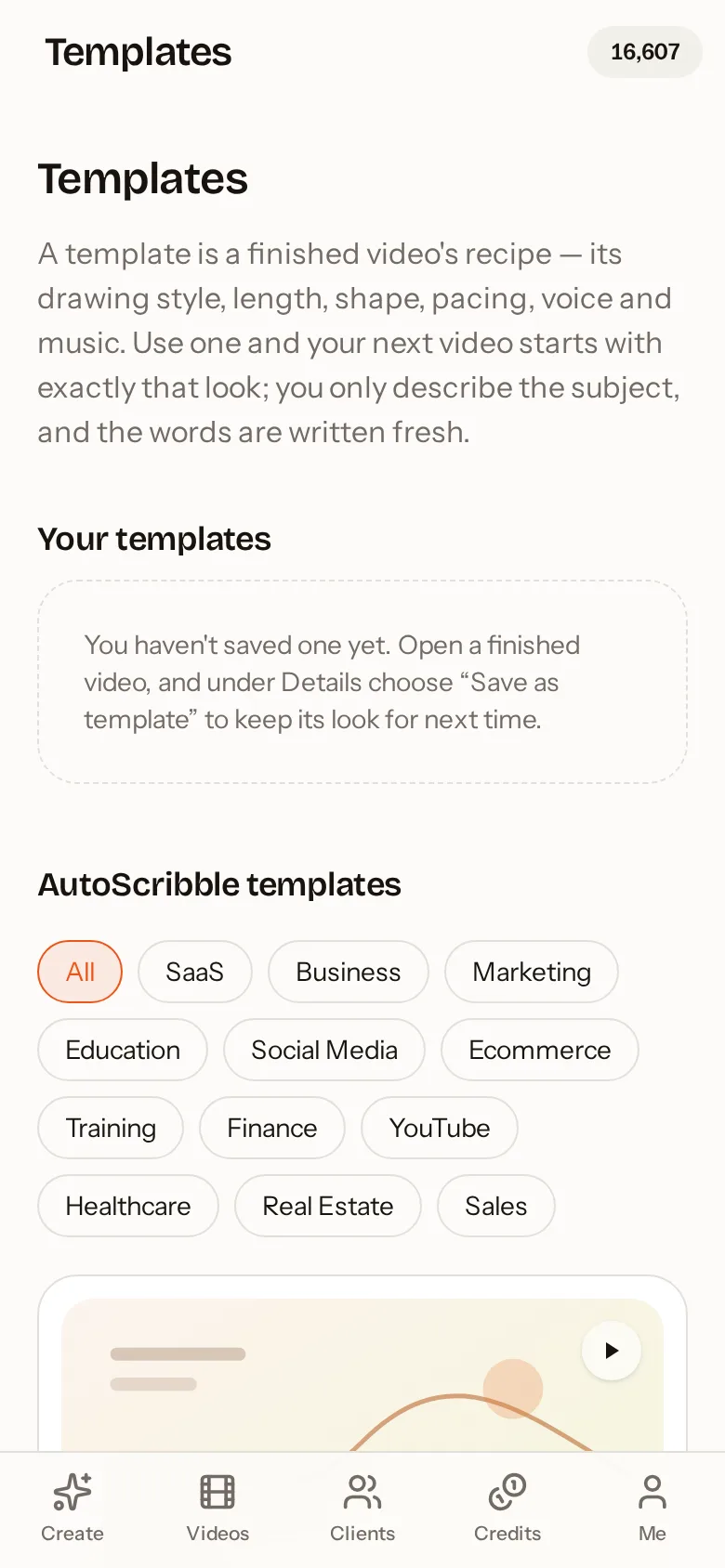
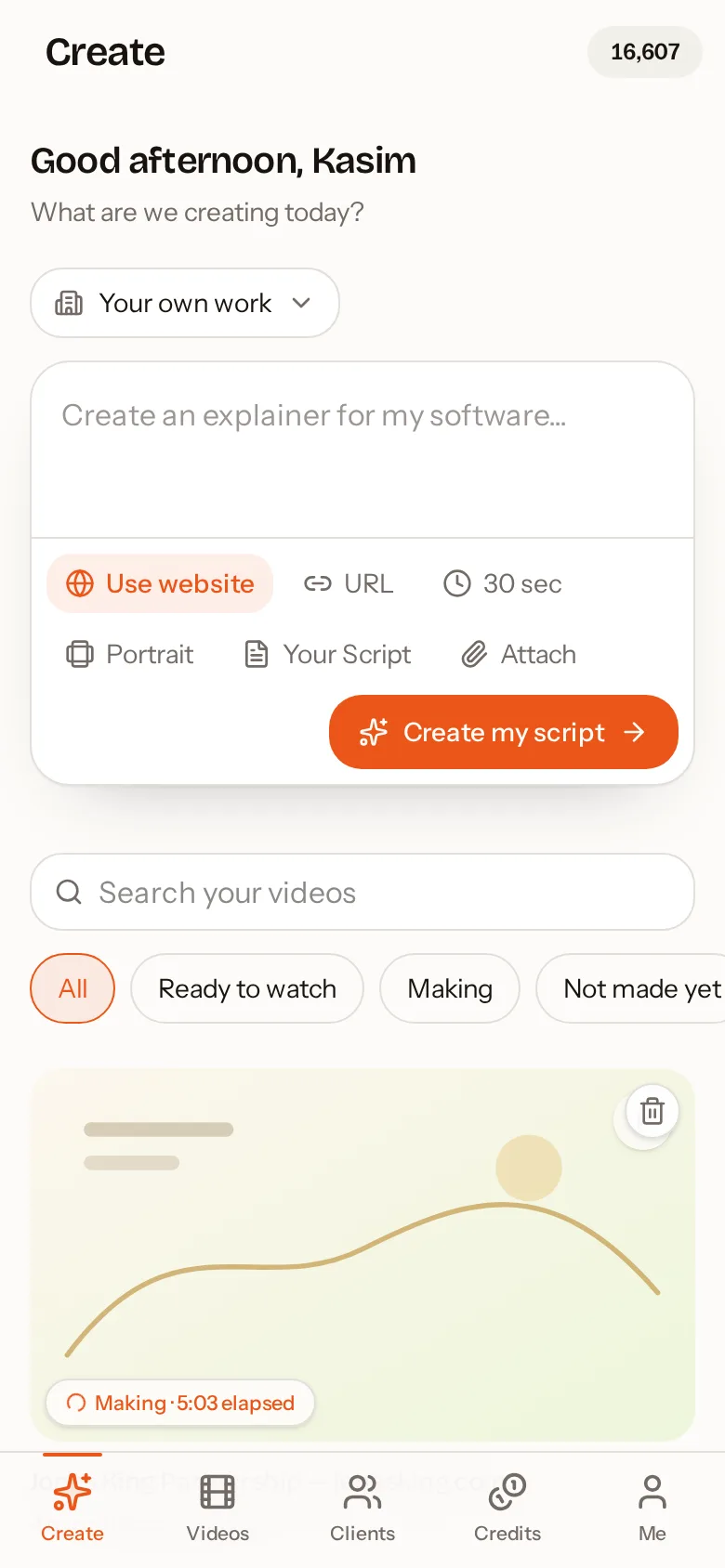
Type an idea in a sentence such as "a 2-minute explainer for my plumbing business in Bristol". Paste or upload your own script — bullet points, bold and headings are understood, and a bulleted list is narrated like a list. Share a website address and AutoScribble researches up to eight relevant pages (services, about, proof, contact) and writes the script in your company's own voice. Or start from a template built for your industry, which pre-loads the right drawing style, length and pacing.
- Idea to video: one sentence is enough
- Script to video: your exact words are kept, word for word
- Website to video: services and about pages become a first-person company story
- Template to video: proven recipes for SaaS, education, healthcare, real estate and more
Built for people who need results, not editing software
There is no timeline to learn and no layers to manage. The app is designed around decisions you already understand: how long should it be, which shape (portrait for phones and social media, landscape for websites and presentations), which voice, and which brand. Everything else is automatic.
Agencies can create videos for clients with the client's brand applied automatically, send the video to the client's contacts, set a price and collect payment through a shared link. Small businesses use it for homepage explainers and social posts. Teachers and trainers use it to turn lesson plans and procedures into short visual lessons.
Honest limits, so you know what to expect
AutoScribble makes sketch-style explainer videos. It is not a live-action editor, a talking-head avatar tool or a character animation studio. The maximum length per video is 4 minutes, which covers the vast majority of explainer, training and marketing uses; longer topics work best as a short series.
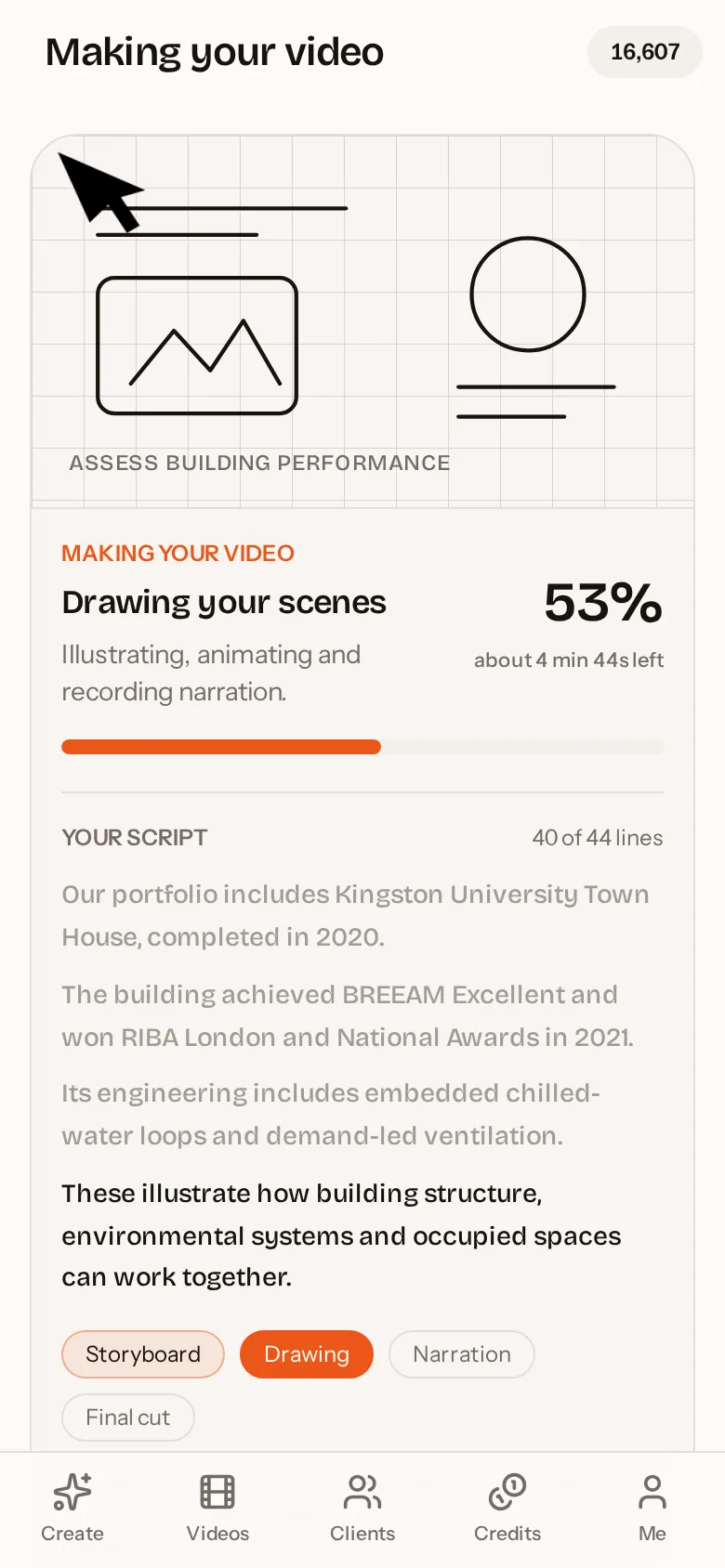
Production is done on powerful servers rather than on your phone, so the app stays fast and light on battery. Most videos are ready in around ten minutes and you can close the app while you wait; you will get an email the moment it is ready.
Sharing and downloading
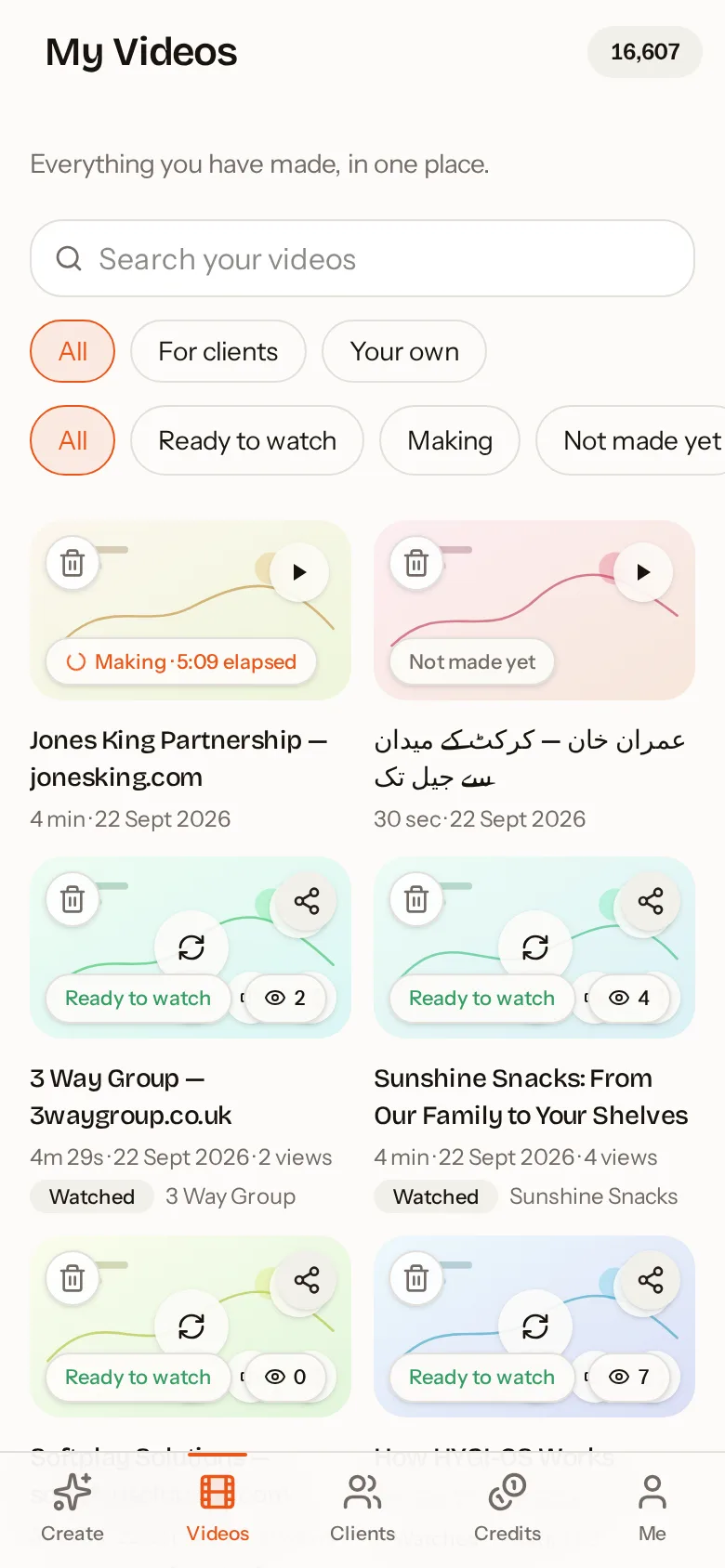
Every finished video can be downloaded as an MP4, shared as a private link, sent by WhatsApp or social apps, embedded on a website with a single line of code, or emailed straight to a client with a branded preview. You can see how many times a shared video has been watched and collect reactions and ratings from viewers.
How to do it in four steps
- 1
Download and sign in
Install AutoScribble from Google Play and sign in with Google or email. You start with 100 free credits.
- 2
Describe, paste or share a link
Type your idea, paste a script or add a website address. Choose length and portrait or landscape.
- 3
Review the script and scenes
Edit the words, rebuild the scene plan and pick a voice. This part is always free.
- 4
Make, watch and share
Press Make my video. It is drawn and narrated for you, then ready to download or share.
AutoScribble compared with typical AI video apps
| AutoScribble | Typical AI video app | |
|---|---|---|
| Visual style | Hand-drawn whiteboard sketch, drawn live | Stock footage or generated clips |
| Script control | Full script and scene plan before you pay | Prompt in, video out |
| Your own script | Kept word for word, formatting understood | Often rewritten |
| Website to video | Researches up to 8 pages of your site | Rarely available |
| Brand colours | Drive the drawing lines and accents | Usually an overlay only |
| Length | 30 seconds to 4 minutes | Often 15–60 seconds |
| Pricing | Pay per finished minute, 100 free credits | Subscription required |