Two ways to turn text into video
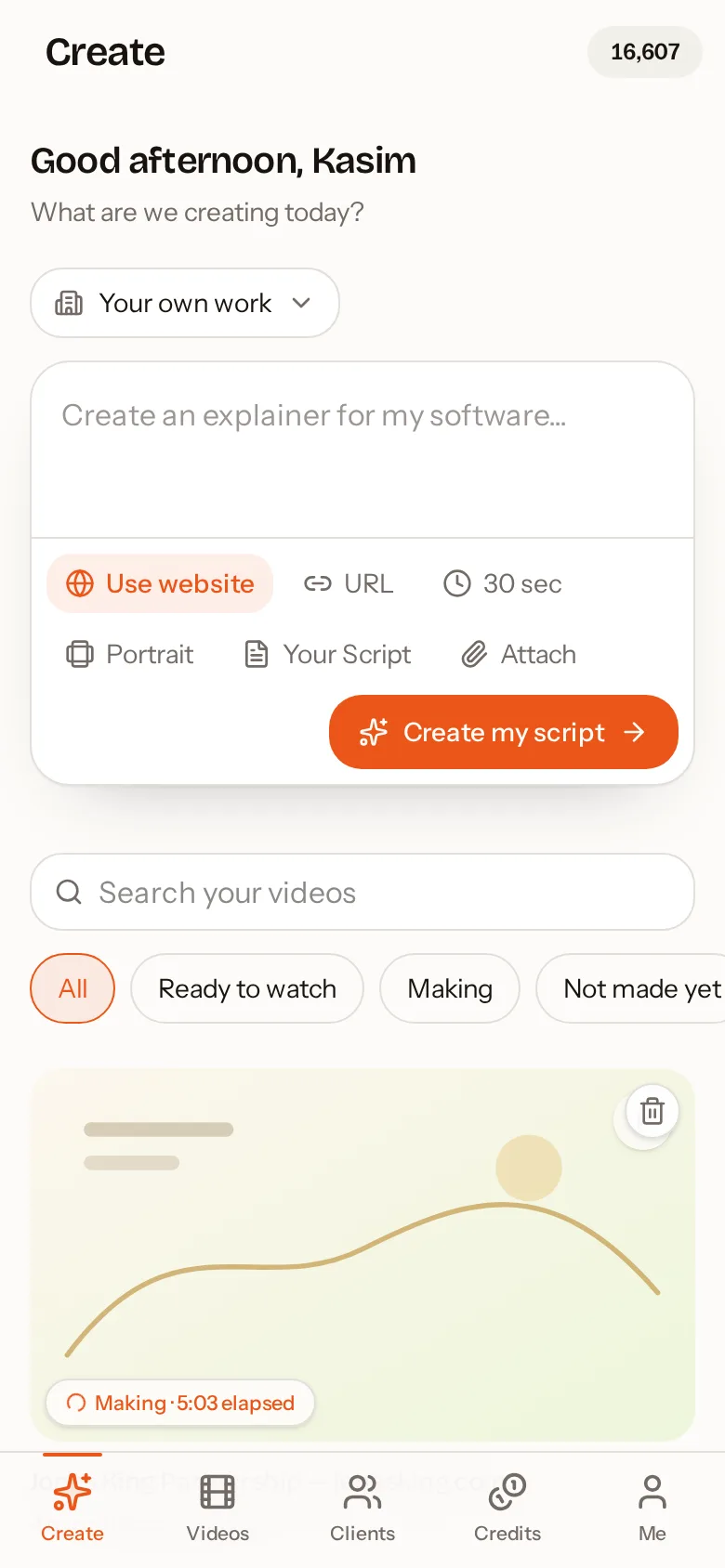
Short text becomes a prompt. Write "a 60-second video explaining how our free survey works" and AutoScribble writes the full script, then plans the scenes. Long text becomes the script. Paste a finished script or article, turn on exact wording, and AutoScribble narrates it word for word, building the scenes around your sentences.
Either way, you see the script and the scene plan before anything is produced, and editing is free.
Formatting that the video understands
Paste or upload text with bullets, numbered lists, headings, bold and italics, or upload .txt, .md and .rtf files. AutoScribble understands the structure: a bulleted list is narrated as a list with each item illustrated in turn, and headings become natural scene breaks. If any list item is not covered by the scene plan, the app flags it before production.
- Bullets and numbered lists narrated as lists
- Headings become scene boundaries
- Bold text treated as emphasis
- Upload .txt, .md or .rtf files up to 200 KB
- Timing estimated from your word count
Text in any of 15 languages
AutoScribble detects the language of your text automatically. Narration and on-screen labels follow it, including right-to-left languages such as Arabic and Urdu, and local numerals and dates are handled correctly. Source references in your text are kept out of the narration.
Getting the length right
Spoken English runs at roughly 150 words per minute. The app shows how long your text will take to speak and compares it with the length you chose. If the text is too short, you can add detail, let AI extend it, or make the video at the chosen length anyway with your exact words. If it is too long, you are asked to shorten it rather than having it silently trimmed.
Repurpose writing into video content
Turn a weekly blog post into a 60-second portrait clip for social media, a policy document into a training video, or a product page into a homepage explainer. Because it is the same text, the message stays consistent across your website, emails and social channels.
How to do it in four steps
- 1
Paste or upload your text
A one-line prompt, a full script or a document file.
- 2
Choose exact wording or AI script
Keep every word, or let AI write a tighter script.
- 3
Check timing and scenes
See spoken length and the scene for each point or list item.
- 4
Generate the video
Narrated, hand-drawn and ready to download or share.
How much text for each video length (approx. 150 words per minute)
| Video length | Words of narration | Credits |
|---|---|---|
| 30 seconds | about 75 | 50 |
| 1 minute | about 150 | 100 |
| 2 minutes | about 300 | 200 |
| 3 minutes | about 450 | 300 |
| 4 minutes | about 600 | 400 |