Now on Google Play
The AI whiteboard video app for Android
AutoScribble turns an idea, your own script or a website into a narrated, hand-drawn explainer video — from your phone, in about ten minutes. Free to download with 100 welcome credits.
In short
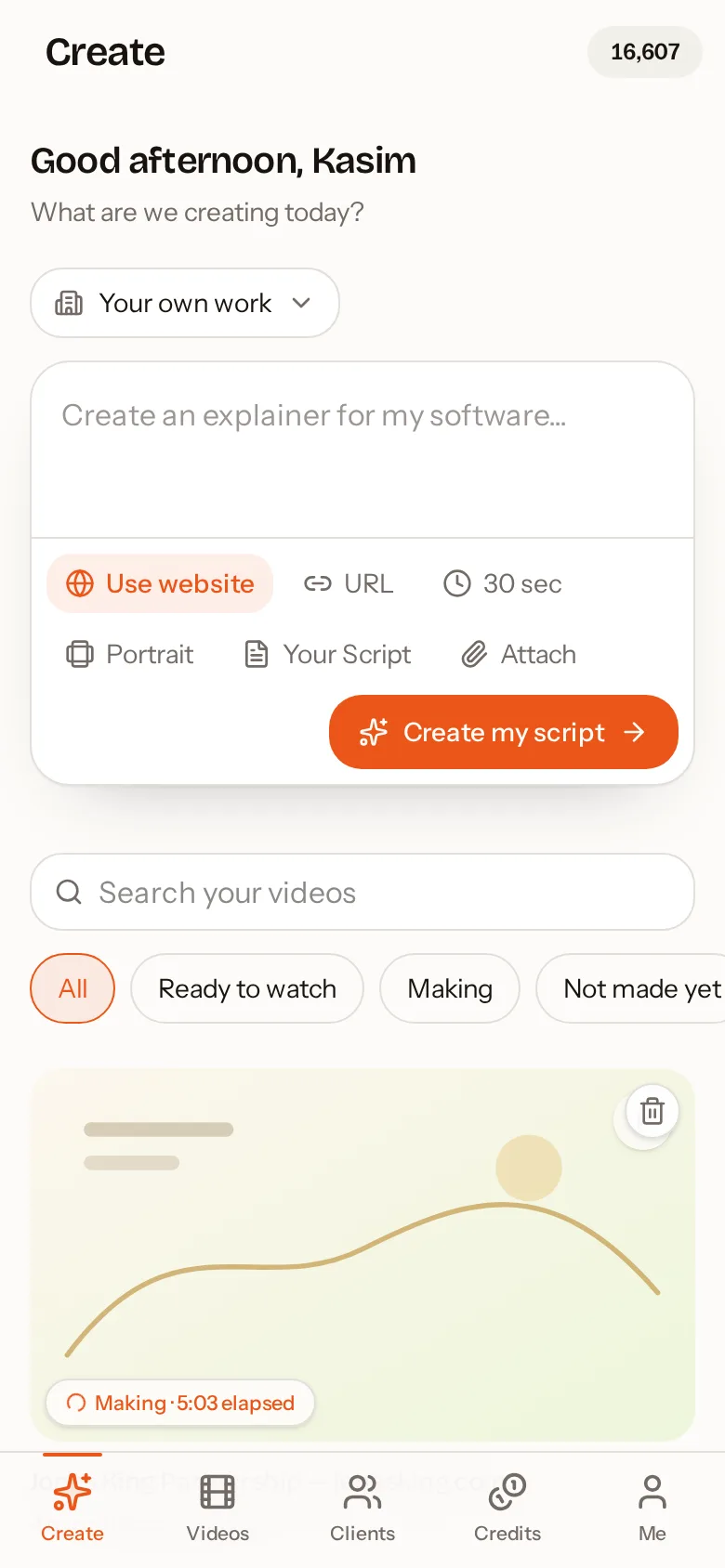
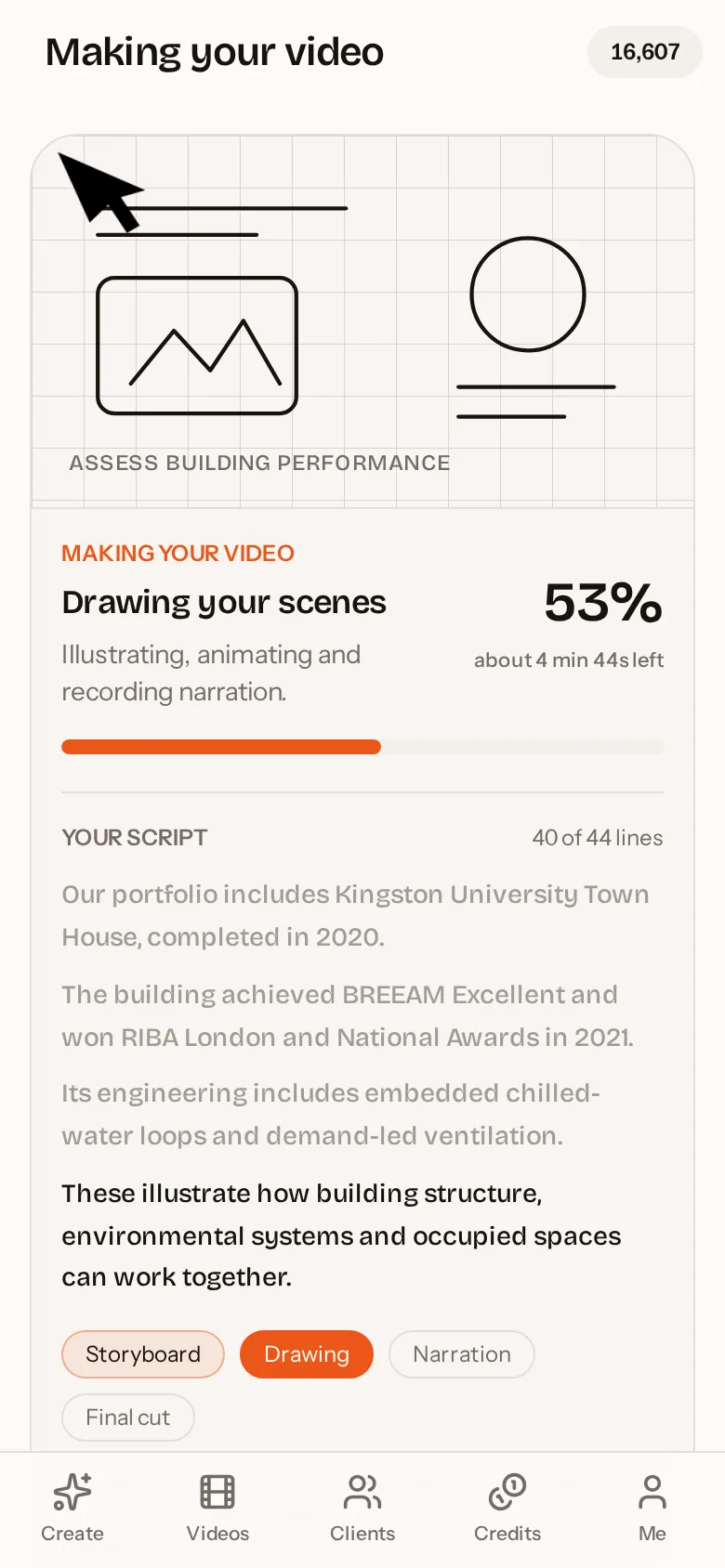
AutoScribble is a free Android app from AutoThink Ltd that makes narrated whiteboard animation and sketch explainer videos with AI. You describe your idea, paste a script or share a website; the app writes and plans the video, you approve it, and it is drawn and narrated for you. Videos run from 30 seconds to 4 minutes in portrait or landscape, in 15 languages. 100 credits makes one finished minute.
How it works
Download and sign in
Install from Google Play and sign in with Google. 100 credits are added.
Tell it what to explain
An idea, a script or a website. Pick length and shape.
Approve script and scenes
Edit every word and see each scene before production. Free.
Watch and share
Drawn and narrated for you. Download, share or send to a client.
Everything in the app
Idea to video
Type one sentence. AutoScribble writes the script, plans the scenes and draws the video.
Your own script
Paste or upload formatted scripts. Exact wording is kept and lists are narrated as lists.
Website to video
Share a web address. Up to eight pages are researched and turned into a first-person company story.
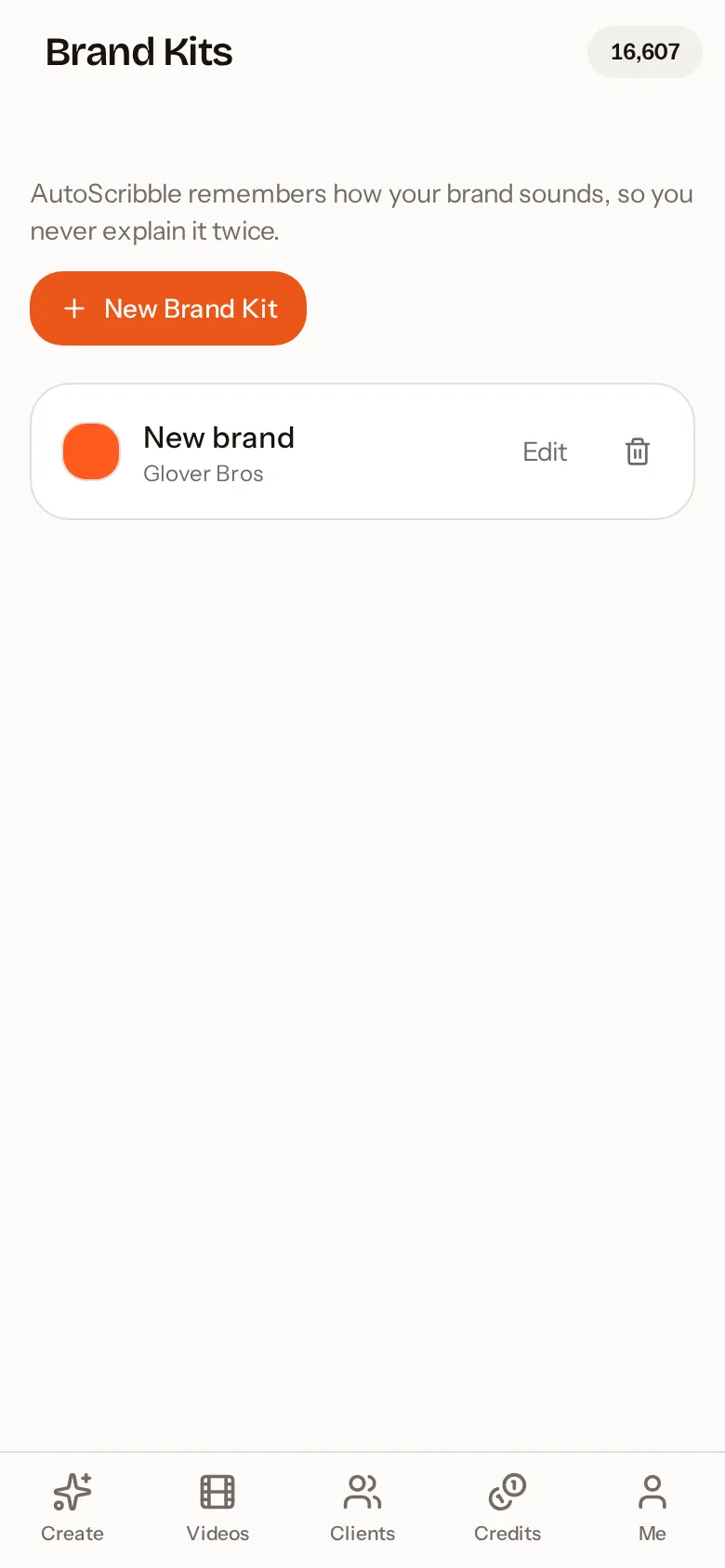
Brand colours and logo
Your colours drive the sketch lines and highlights. Your logo is drawn in, never pasted blurry.
15 languages
Language is detected automatically, including right-to-left scripts like Arabic and Urdu.
Share anywhere
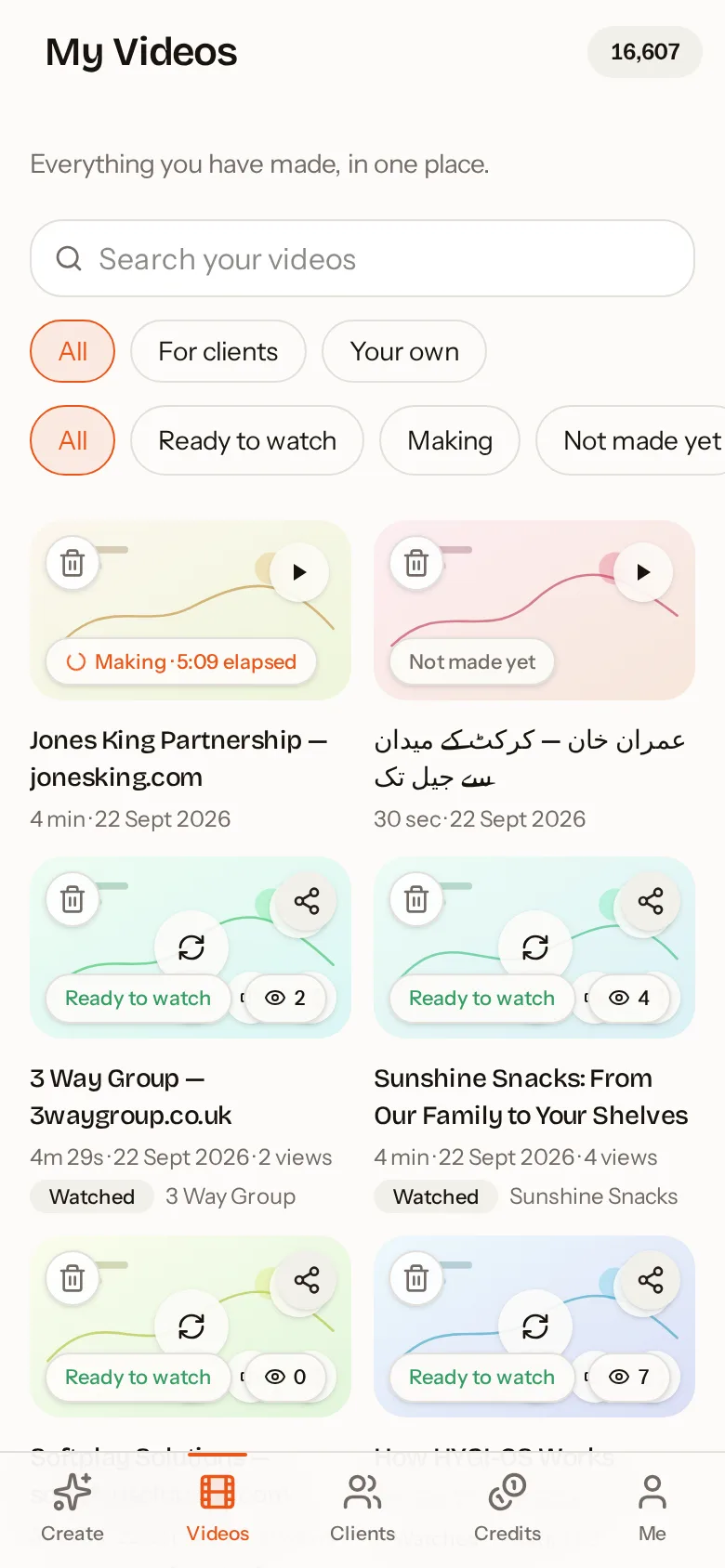
WhatsApp, social apps, private links, embed code or a branded email straight to a client.
Ready alerts
Close the app while it is made. We email you the moment the video is ready.
Same account everywhere
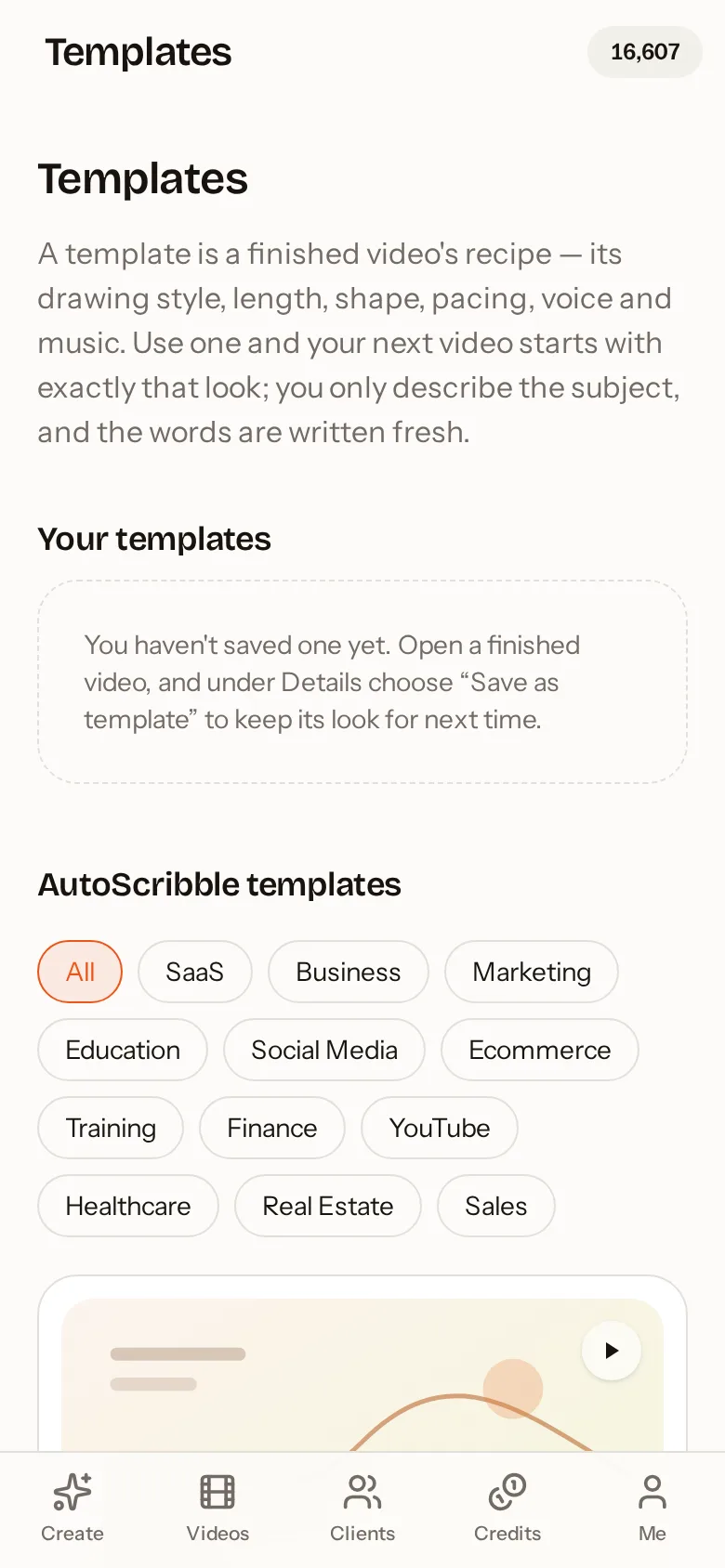
Videos, credits, brand kits and clients sync between the app and autoscribble.com.
Screenshots
Real screens from the AutoScribble Android app.
Who it is for
Small businesses
Homepage explainers and social clips about your services, in your brand colours.
Agencies
Client workspaces, one-tap website scripts, quotes and payment links for every client video.
Teachers and trainers
Turn lesson plans and procedures into short visual lessons that students remember.
Healthcare and finance
Exact-wording mode keeps approved scripts word for word.
Creators
Portrait sketch videos that stand out in busy social feeds.
Charities
Explain your cause and your impact in two clear minutes.
App or website?
| Feature | Android app | Website |
|---|---|---|
| Create and produce videos | Yes | Yes |
| Brand kits, templates, clients | Yes | Yes |
| Shared account and credits | Yes | Yes |
| Native share to other apps | Yes | Via browser |
Frequently asked questions
Where can I download the AutoScribble app?
AutoScribble is available free on Google Play for Android phones. Use any Get it on Google Play button on this page.
Is the AutoScribble app free?
Yes, the download is free and every new account gets 100 welcome credits — enough for one full one-minute video. After that, 100 credits makes one finished minute. Writing and editing scripts is always free.
What kind of videos does the app make?
Narrated whiteboard and sketch-style explainer videos, drawn scene by scene, from 30 seconds to 4 minutes, in portrait or landscape.
How long does a video take?
Most videos are ready in about ten minutes. Production runs on AutoScribble's servers, so you can close the app and wait for the email.
Does it work on older phones?
Yes. The heavy work happens in the cloud, so any modern Android phone with an internet connection can make full-quality videos.
Is there an iPhone app?
The native app is on Android. iPhone users get the full studio at autoscribble.com in Safari and can add it to their home screen.
Do the app and website share my account?
Yes. Sign in with the same Google account or email and everything — videos, credits, brand kits, clients and templates — is shared.
Can I use my own script and brand?
Yes. Paste or upload your script and turn on exact wording. Save a brand kit with your colours and logo and they are applied to every video.
Are my videos private?
Yes, private by default. You choose when to share a link and whether a video appears in the public gallery. You can delete your account at any time.
Related guides
See how teams use it by sector — for example teachers and tutors, workplace training and agencies, or all sectors.
AI video app
AutoScribble is an AI video app for Android that turns a sentence, a script or a website into a narrated, hand-drawn explainer video in minutes. Free to download with 100 welcome credits.
Whiteboard animation videos
Create whiteboard animation videos from a script, idea or website in minutes. See what whiteboard animation is, why it works, how long it should be and how to make one on your phone.
Animated sketch app
AutoScribble is an animated sketch app that draws your idea as a narrated hand-sketched video. No drawing skills needed — type, paste or share a link and get a finished sketch video.
Whiteboard animation app for Android
The AutoScribble whiteboard animation app for Android makes narrated whiteboard videos from your phone. Script, scenes, brand kits, production and sharing — all in one free app.
Explainer video app
Make professional explainer videos from your phone with AutoScribble. AI writes the script from your idea or website, plans the scenes and delivers a narrated whiteboard explainer.
Text to video app
AutoScribble is a text to video app that turns any text — a sentence, script, article or document — into a narrated, hand-drawn video. Keep your exact words or let AI write it.
Make your first video on your phone today
Free to download. 100 welcome credits — enough for a one-minute video. Same account on the app and the web.
