Why whiteboard animation works
People remember explanations better when words and pictures arrive together. In a whiteboard video, each idea is drawn as it is spoken, so the viewer's attention follows the pen. Because the style is simple, there is no visual noise: no stock-footage actors, no busy backgrounds, just the concept being built step by step.
The hand-drawn look also feels human and approachable. It suits topics that can feel dry or complicated — finance, compliance, healthcare, engineering, software — and makes them feel like a friendly conversation rather than a lecture.
- Focus: one idea drawn at a time keeps attention on the message
- Clarity: complex systems become simple, labelled diagrams
- Memory: pictures and narration together are easier to recall
- Trust: the hand-drawn style feels honest and approachable
What makes a good whiteboard animation video
The best whiteboard videos follow a clear structure: a relatable problem, a simple explanation, proof that it works and one clear next step. Each scene should draw a distinct picture. A common failure of cheap or automated whiteboard videos is repetition — the canvas is wiped and the same three drawings appear again. AutoScribble prevents this with a numbered scene plan and checks that every scene draws something new, in a single pass, ending with a clean closing hold.
Text on screen should be short and inside the safe area of the frame. AutoScribble keeps all wording inside the central 80% of the picture so nothing is cut off on phones or social feeds.
Colour, brand and logo in whiteboard videos
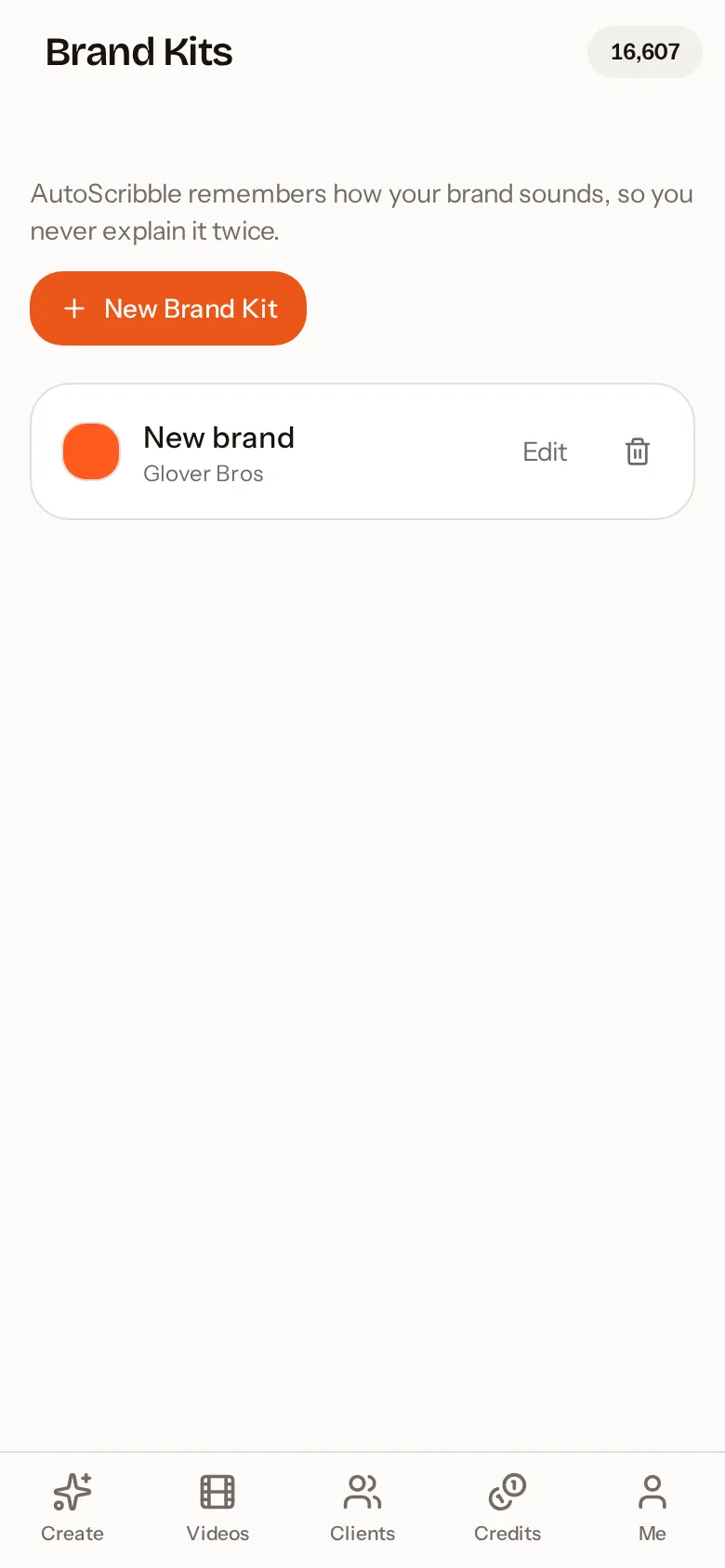
Classic whiteboard animation is black ink on white, but brand colour makes a video instantly recognisable. With AutoScribble, your main brand colour drives the outlines, characters and headings, and your supporting colours appear as arrows, ticks, underlines and highlights in every scene. If you add your logo, it is sketched into the video once, as part of the drawing, instead of being pasted on as a blurry image.
Where to use whiteboard animation videos
Businesses place them on the homepage to explain what they do in two minutes, in sales emails to warm up leads, and on social media as short portrait clips. Schools and trainers use them to explain procedures, safety steps and lessons. Charities use them to show impact. Software companies use them for onboarding and feature launches.
- Homepage explainer: 90 seconds to 4 minutes, landscape
- Social media post: 30 to 60 seconds, portrait
- Training module: 2 to 4 minutes per topic
- Sales follow-up: 60 to 90 seconds, personalised to the prospect
- Product launch: 60 seconds focused on a single benefit
Traditional studio versus AI whiteboard animation
A studio gives you a bespoke illustrator and unlimited creative direction, which can be the right choice for a flagship brand film. For everything else — the dozens of explainers, updates, lessons and social posts a business needs each year — AI whiteboard animation delivers the same clear format at a small fraction of the cost and time, with the freedom to edit and remake whenever the message changes.
How to do it in four steps
- 1
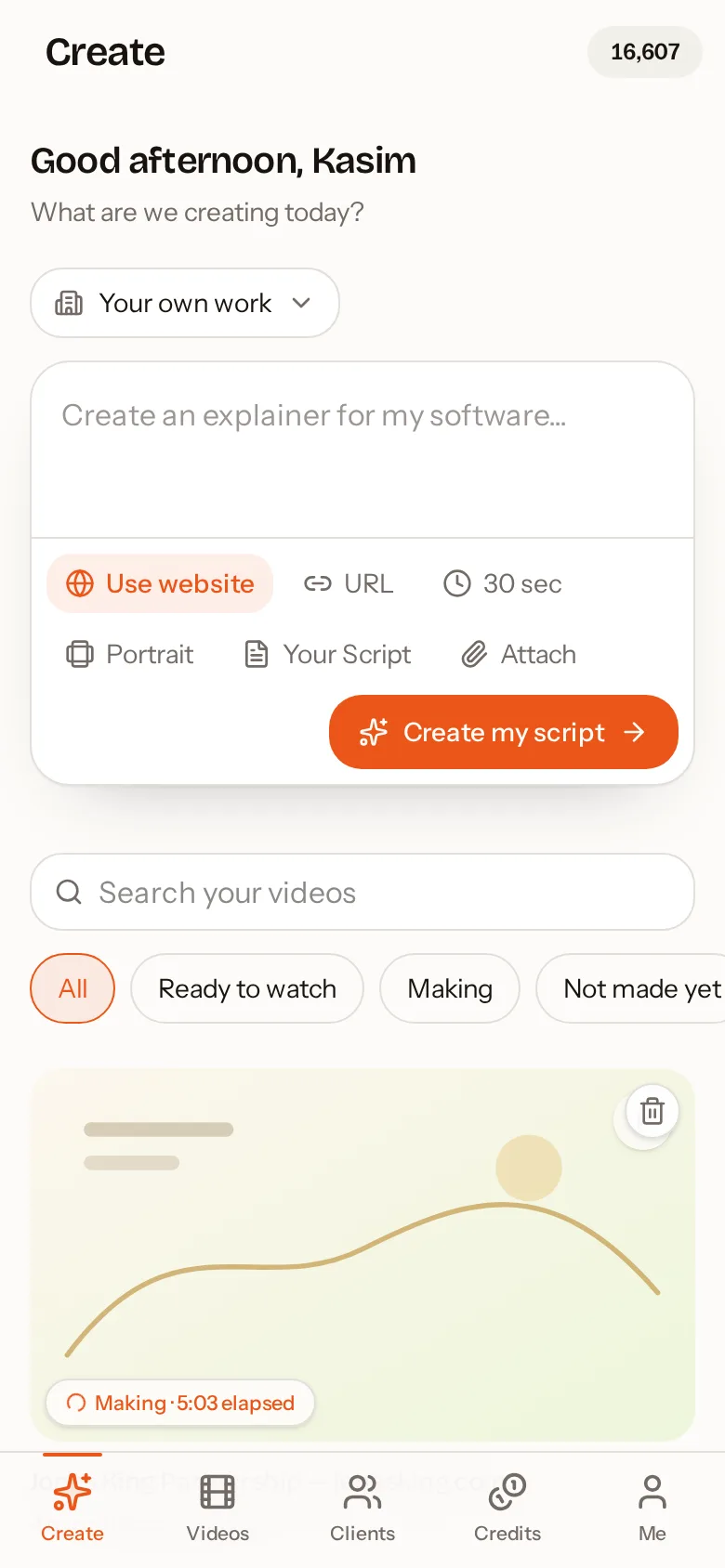
Write or paste your message
Start from a one-line idea, your own script, or a website address for automatic research.
- 2
Approve the script
Read the proposed narration and edit anything. Your exact words can be locked in.
- 3
Check the scene plan
Each scene lists what will be drawn. Rebuild it any time from your script.
- 4
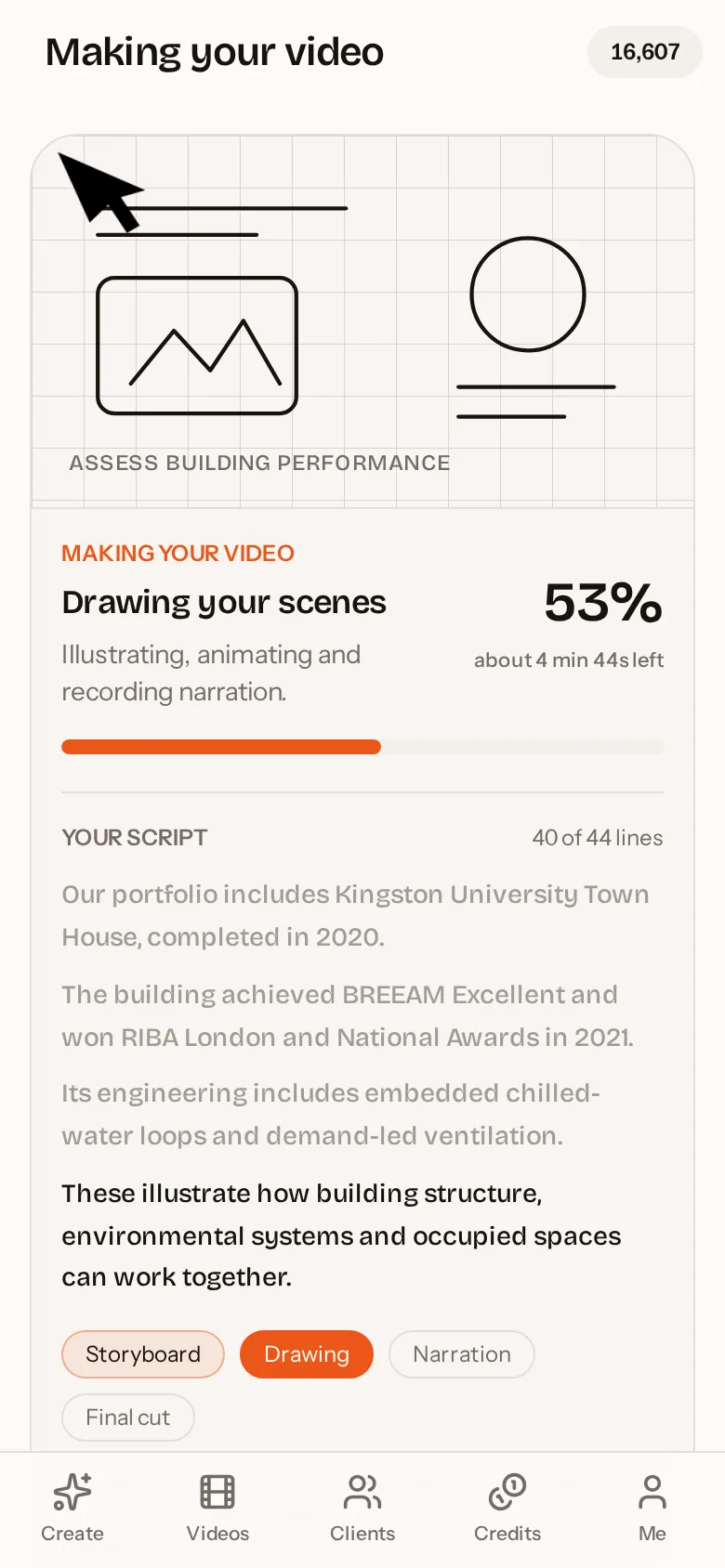
Generate the whiteboard video
AutoScribble draws each scene once, narrates it and delivers an MP4 ready to share.
Recommended whiteboard video length by use
| Use | Length | Shape | Credits |
|---|---|---|---|
| Social media teaser | 30 seconds | Portrait | 50 |
| Product or service intro | 60 seconds | Portrait or landscape | 100 |
| Homepage explainer | 2 minutes | Landscape | 200 |
| Training lesson | 3 minutes | Landscape | 300 |
| Detailed walk-through | 4 minutes | Landscape | 400 |