Explainer video app

The explainer video app that writes, draws and narrates for you

A good explainer answers three questions fast: what is it, why should I care, and what do I do next. AutoScribble structures every script around those questions, then turns it into visuals that make the answer obvious.

AutoScribble app: Describe your video, paste a script or use a website
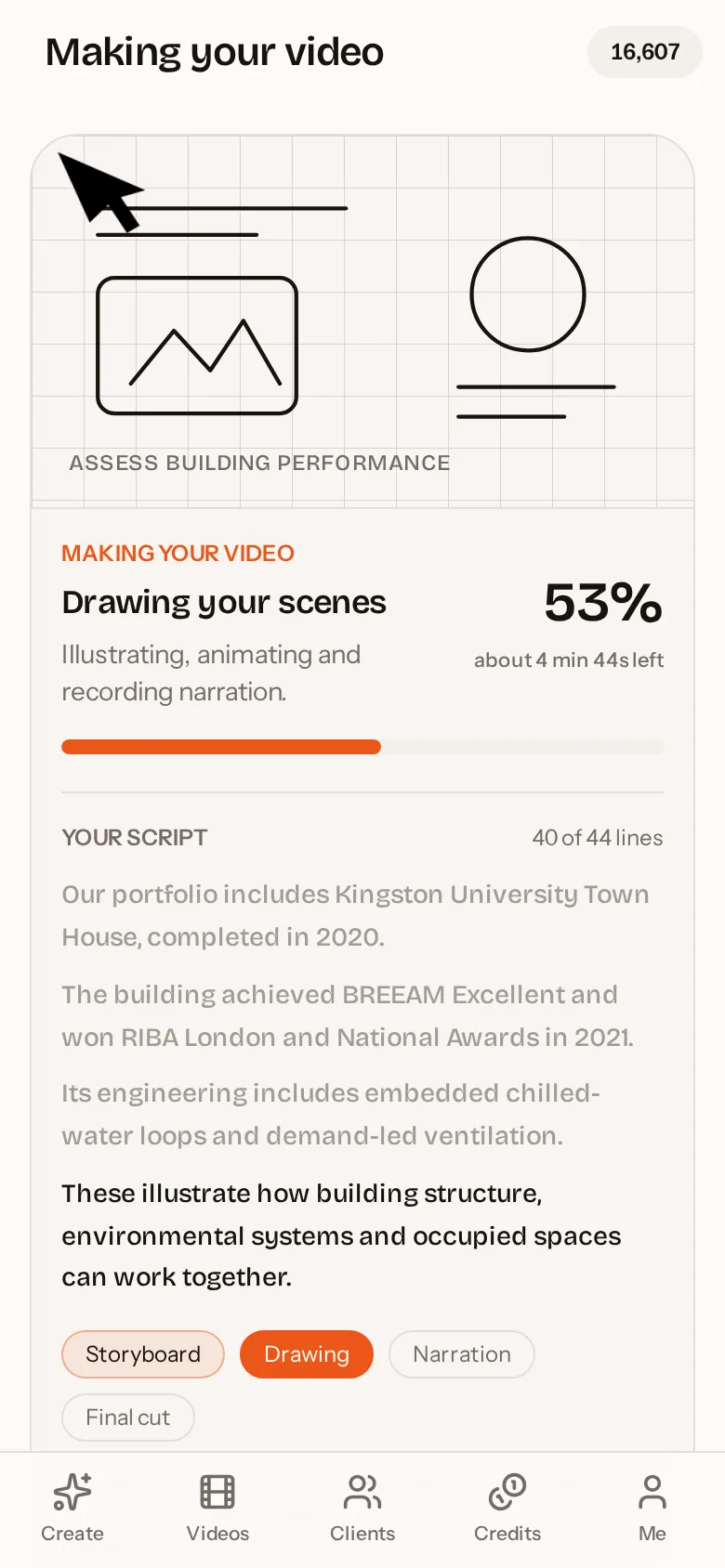
AutoScribble app: Watch your sketch video being drawn and narrated

Quick answer

An explainer video app helps you make short videos that explain a product, service or idea clearly. AutoScribble is an explainer video app for Android and web: it writes the script from a prompt or your website, lets you approve a timed scene plan, and produces a narrated whiteboard-style explainer from 30 seconds to 4 minutes, usually in about ten minutes.

The structure of an explainer that converts

Strong explainers follow a proven arc. Open with the viewer's problem in their own words. Introduce the solution simply. Show how it works in two or three steps. Add proof — a result, a number, a customer. Finish with one clear call to action. AutoScribble's script writer follows this structure by default and times each part to fit your chosen length.

  • Hook: the problem, in one relatable sentence
  • Solution: what you offer, without jargon
  • How it works: two or three drawn steps
  • Proof: results, awards or customer stories
  • Call to action: book, call, buy or visit

Explainers from your website, automatically

If you already have a website, you already have the material for an explainer. Paste your address and AutoScribble reads your homepage plus up to eight relevant pages — services, about, case studies and contact — and writes a script in your own first-person voice: "we", "our" and "us", never "this company's product pages say". It also picks up your brand colours if you have not set them.

You can read and edit the generated prompt and script before anything is made, and you choose the length and shape yourself.

Explainers for clients (for agencies)

Agencies use AutoScribble to produce explainers for clients at scale. Each client has their own workspace, brand and contacts. You can send the finished explainer with a personalised note, set your own price for the video and revisions, and let the client pay and download from the shared page.

Exact wording for regulated industries

Healthcare, finance and legal teams often need approved wording. Turn on exact wording and AutoScribble narrates your script word for word; visuals adapt to your words, never the other way around. If the script is too short for the chosen length, you are told before anything is charged and can choose to make it anyway.

Where explainer videos pay off

Explainers raise engagement wherever someone needs to understand before they act: landing pages, pricing pages, onboarding emails, support articles, investor decks and trade-show screens. A short portrait version works on social media, and a landscape version fits websites and presentations.

How to do it in four steps

  1. 1

    Start with your idea or website

    Type what you offer or paste your website address.

  2. 2

    Review the explainer script

    Edit the hook, steps and call to action. Lock exact wording if needed.

  3. 3

    Apply your brand

    Colours drive the drawing and your logo is sketched in once.

  4. 4

    Produce and publish

    Download the MP4, embed it on your site or send it to a client.

Ways to get an explainer video

OptionTypical costTypical timeChanges later
Animation studioThousands of pounds per minute3–8 weeksPaid revisions
FreelancerHundreds to thousands1–3 weeksLimited revisions
DIY editing softwareSubscription plus your timeDaysManual rework
AutoScribble app100 credits per finished minuteAbout 10 minutesEdit and remake any time

Inside the app

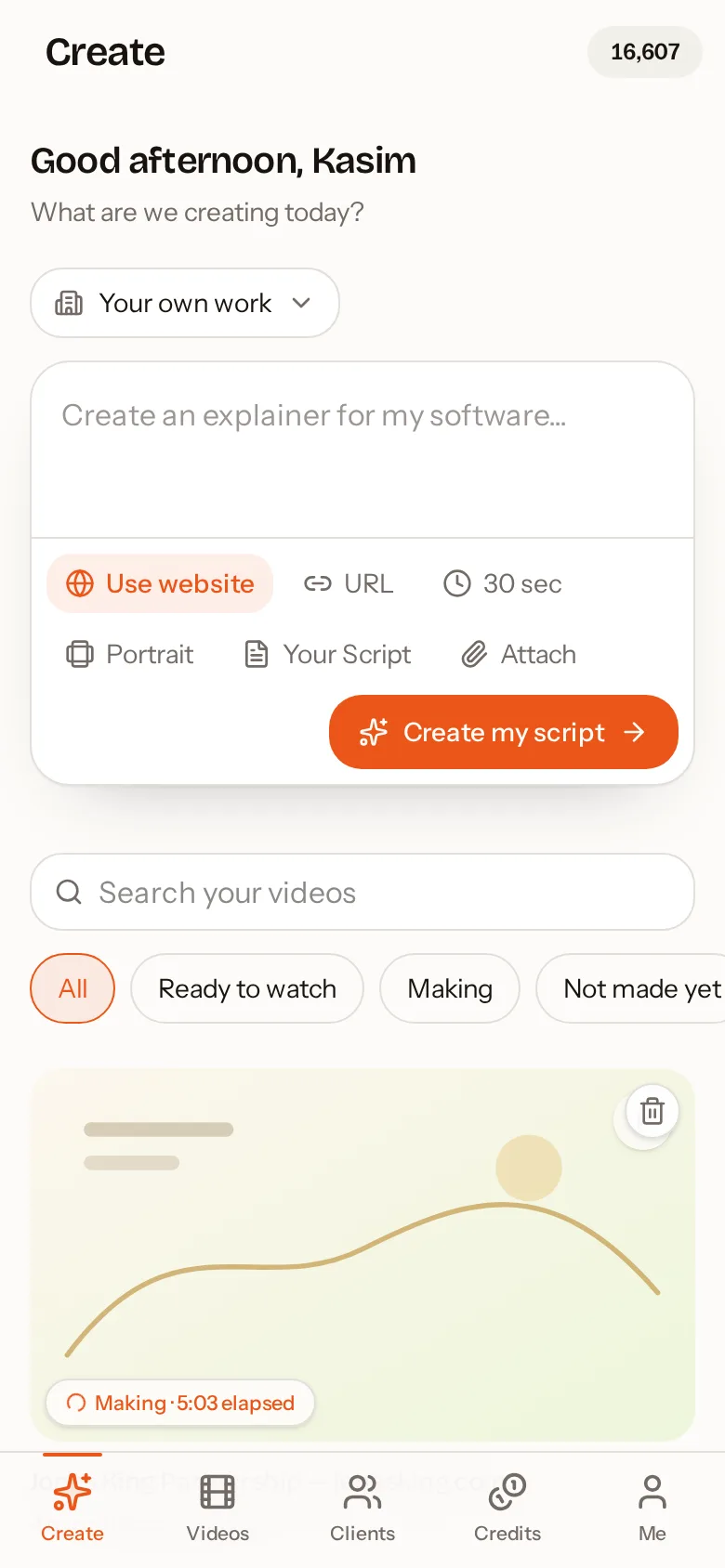
AutoScribble Android app: Describe your video, paste a script or use a website
Describe your video, paste a script or use a website
AutoScribble Android app: Watch your sketch video being drawn and narrated
Watch your sketch video being drawn and narrated
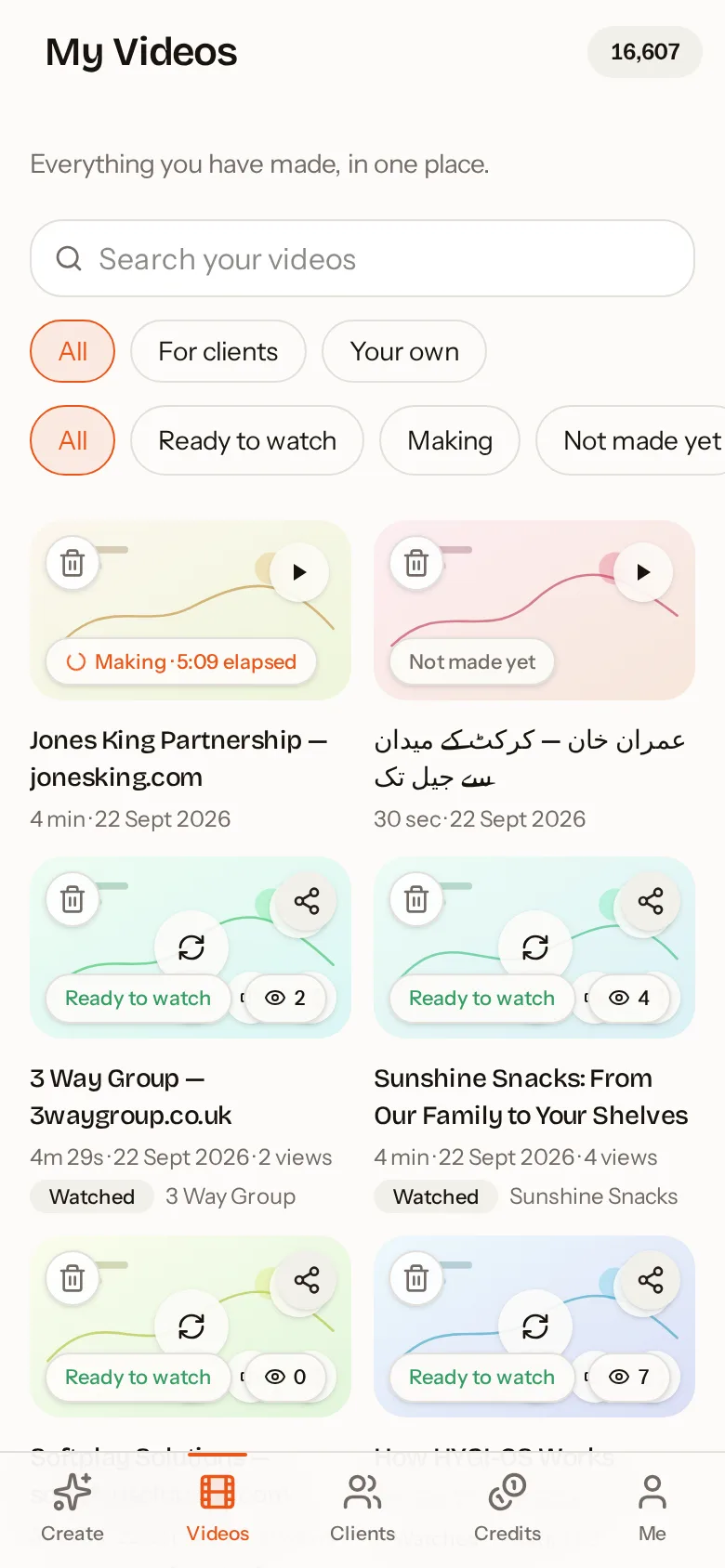
AutoScribble Android app: Every video in one place, ready to watch and share
Every video in one place, ready to watch and share
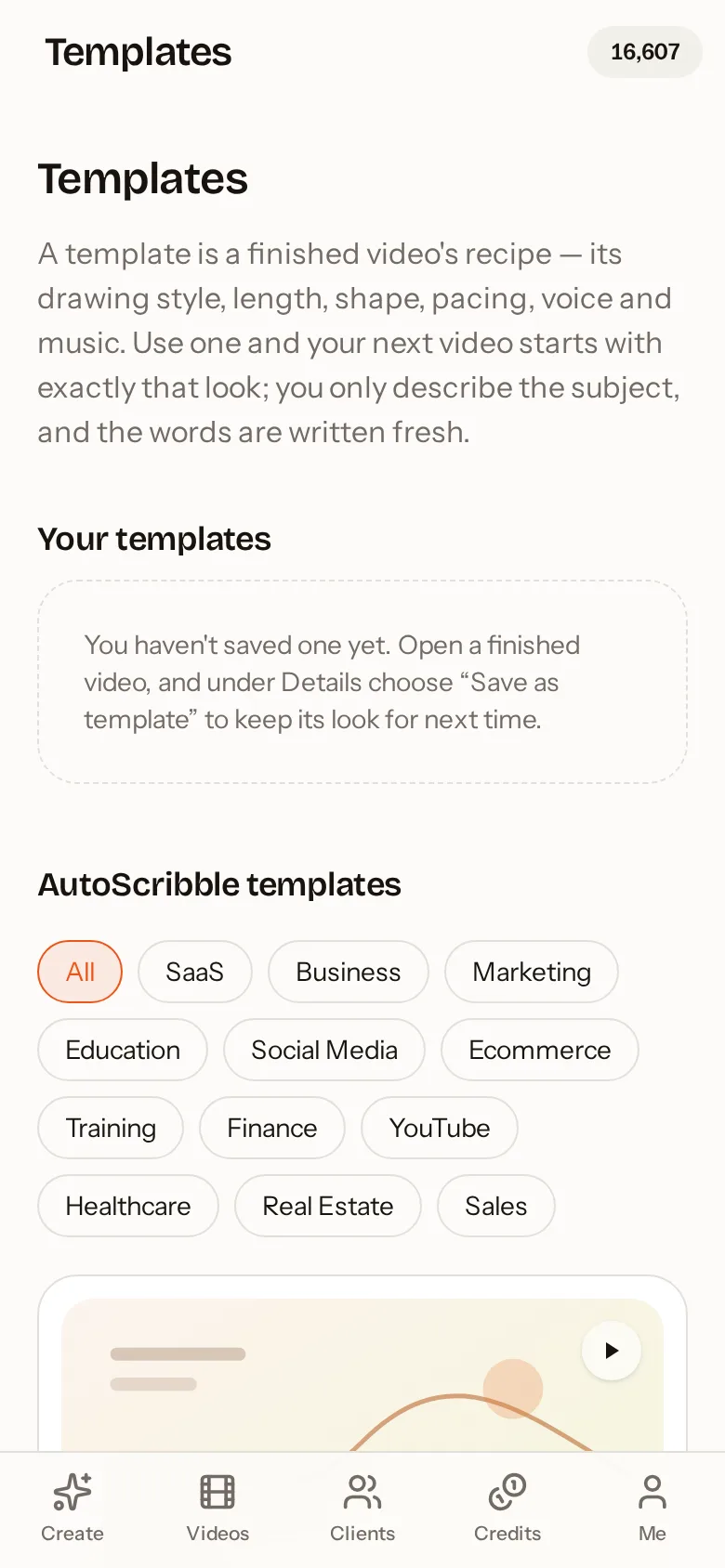
AutoScribble Android app: Start from a proven template for your industry
Start from a proven template for your industry
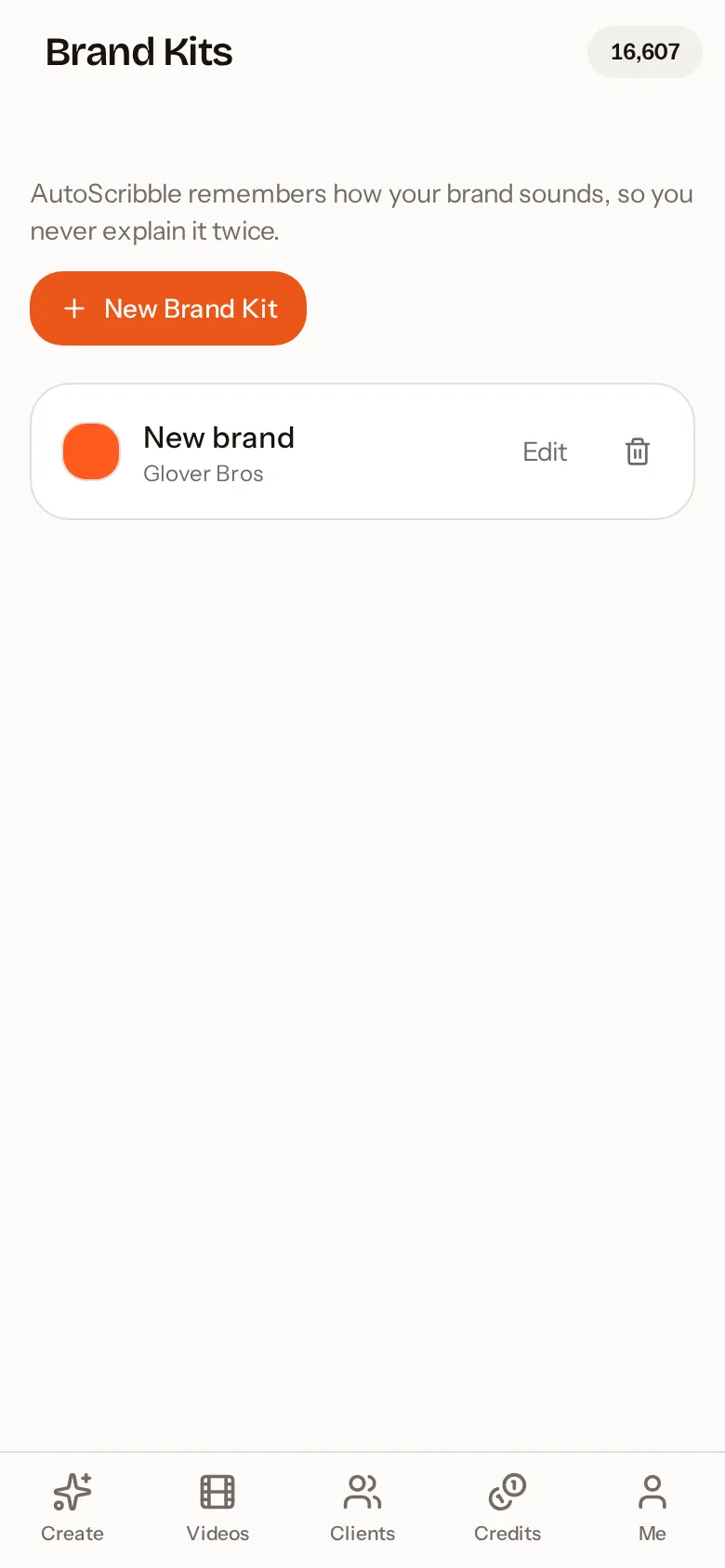
AutoScribble Android app: Brand kits keep your colours and logo on every video
Brand kits keep your colours and logo on every video

Frequently asked questions

What is the best app to make explainer videos?

Look for script control, clear visuals, natural narration and brand support. AutoScribble offers all four and adds website research, so it can write an explainer about your business from your own pages.

How long should an explainer video be?

60 to 120 seconds suits most homepages and products. Use 30 seconds for social media and up to 4 minutes for detailed services, training or onboarding.

Can I make an explainer video from my website?

Yes. Paste your website address and AutoScribble researches up to eight relevant pages, then writes a first-person script about your services. You can edit it before production.

How much does it cost?

The app is free to download and every new account gets 100 welcome credits, which makes one full one-minute video or two 30-second videos. After that, 100 credits makes one finished minute of video. You can buy one-off credit packs that never expire or choose a monthly plan. Writing, editing and storyboarding your script is always free; credits are only used when you press Make my video.

Do the app and the website share the same account?

Yes. Sign in with the same email or Google account and your videos, credits, brand kits, clients and templates are identical on your phone and on autoscribble.com. Start a script on the train and finish it at your desk.

Which languages are supported?

AutoScribble detects your script's language automatically and supports 15 languages including English, Spanish, French, German, Arabic, Urdu, Hindi, Chinese and Japanese. The narration and the on-screen words follow the language of your script.

Related guides

See how teams use it by sector — for example teachers and tutors, workplace training and agencies, or all sectors.

Make your first video on your phone today

Free to download. 100 welcome credits — enough for a one-minute video. Same account on the app and the web.

Get it on Google Play