Whiteboard animation app

The whiteboard animation app for Android, with the whole studio in your pocket

Whiteboard animation software has traditionally been desktop-only, with timelines, asset libraries and hours of manual placement. The AutoScribble app is built phone-first: every decision is a tap, and AI does the placing, drawing and timing for you.

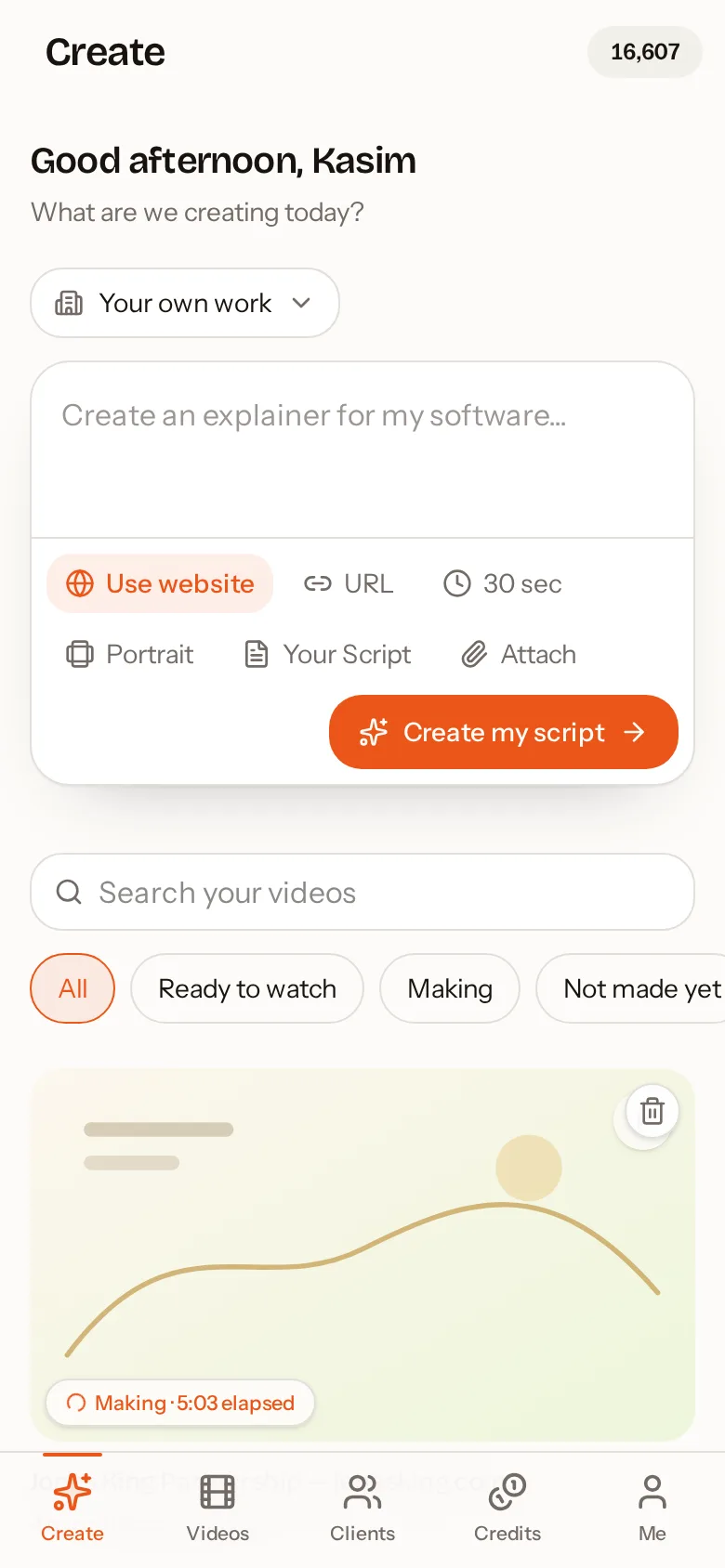
AutoScribble app: Describe your video, paste a script or use a website
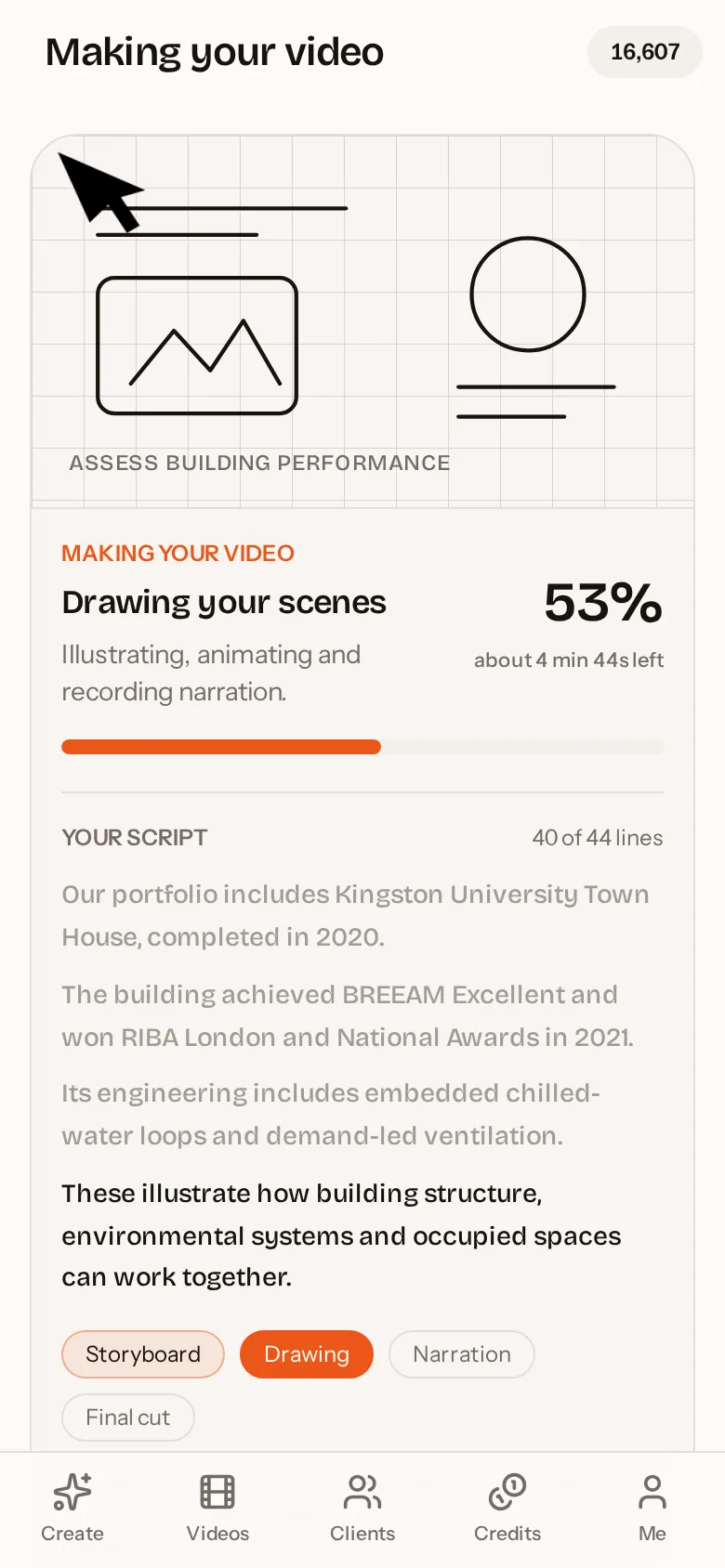
AutoScribble app: Watch your sketch video being drawn and narrated

Quick answer

AutoScribble is a whiteboard animation app for Android, available free on Google Play. It lets you create narrated whiteboard videos entirely from your phone: write or paste a script, generate a scene plan, apply your brand colours and logo, and produce a 30-second to 4-minute video. Production runs on AutoScribble's servers, so it works on any modern Android phone.

Everything the desktop tools do, without the desktop

The Android app includes the full AutoScribble workflow. There is no reduced mobile version: the same script editor, scene planner, brand kits, templates, client workspaces and sharing tools available on autoscribble.com are available in the app, and they stay in sync.

That means you can react to an opportunity immediately. Meet a prospect, open the app, use their website to write a script, and send them a personalised whiteboard video before the end of the day.

  • Rich script editor with bullets, bold, headings and file upload
  • Scene planner that rebuilds from your script in one tap
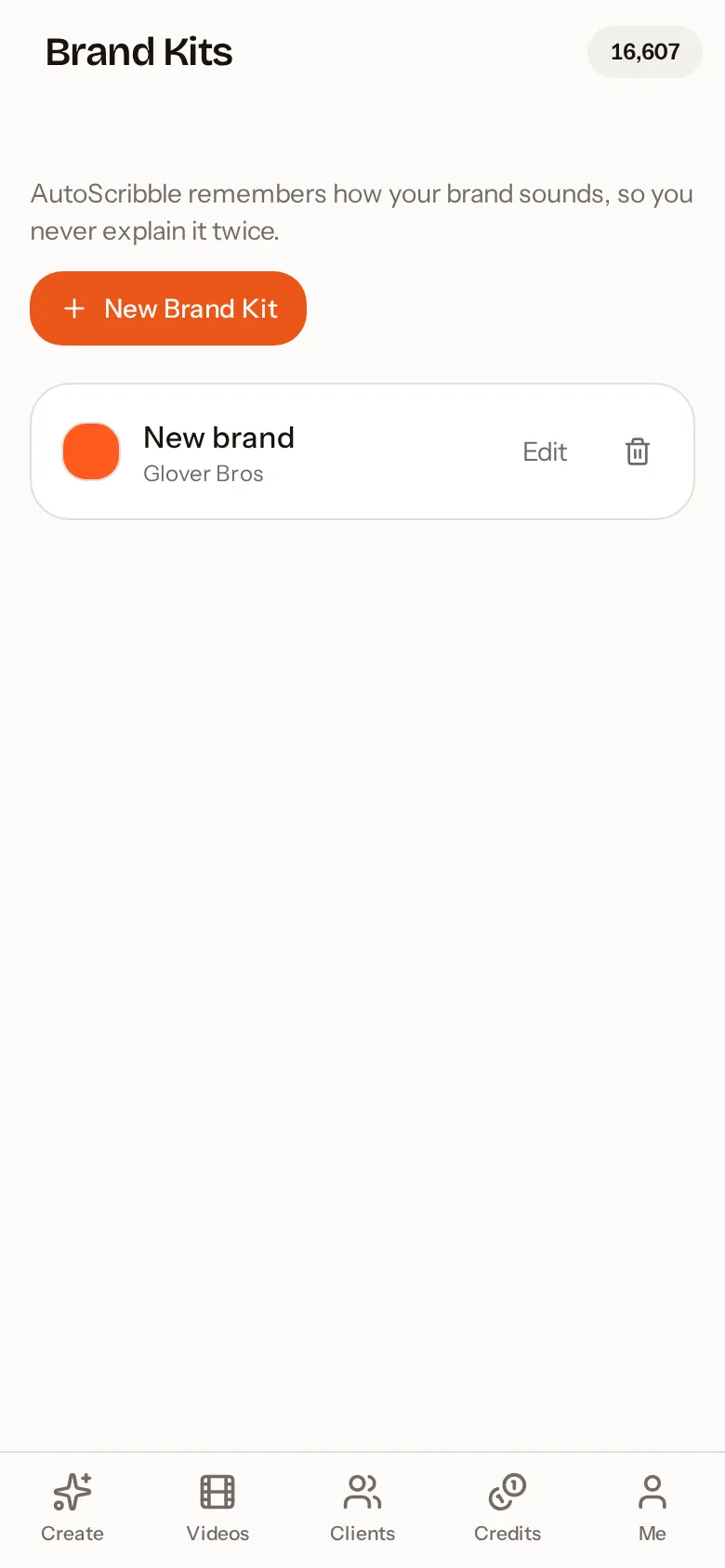
  • Brand kits with colours and a sketched logo
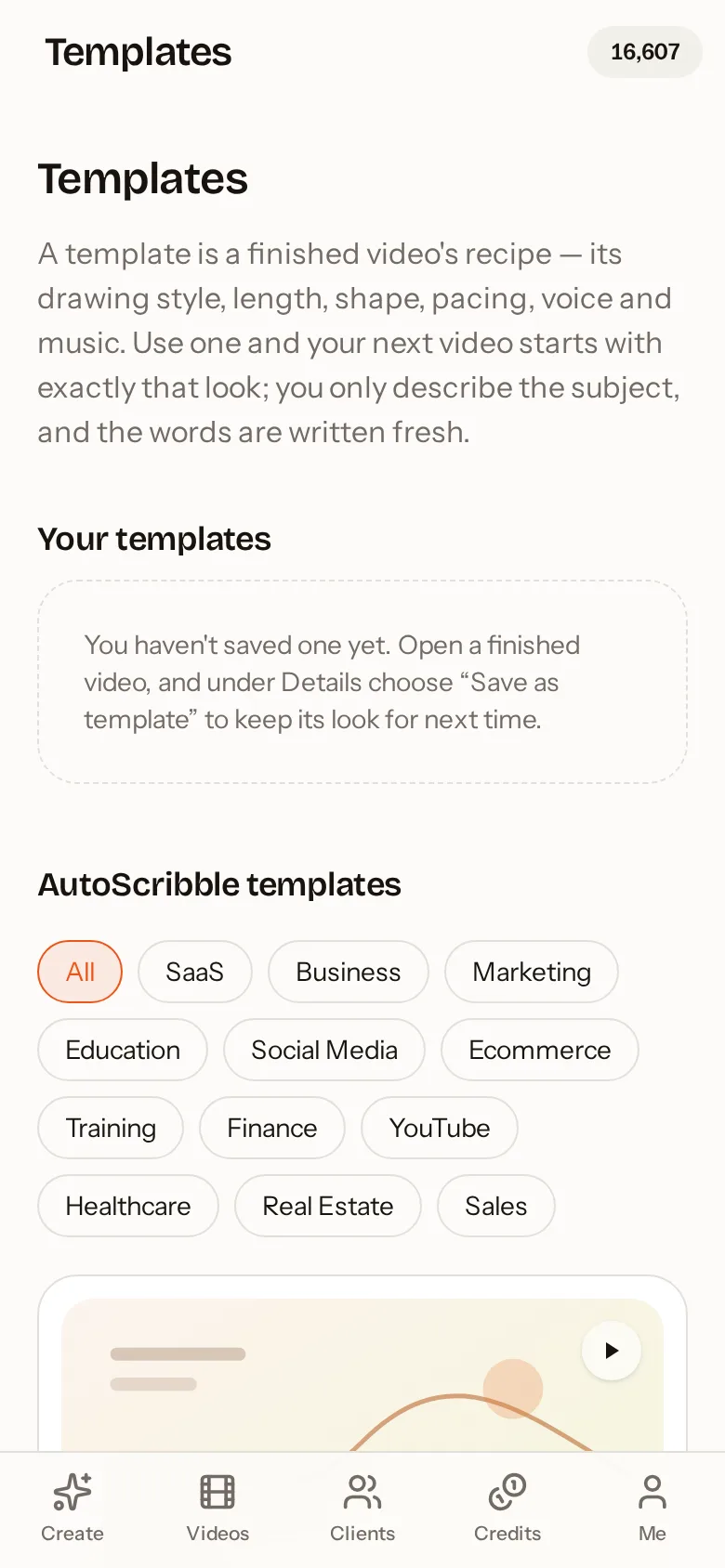
  • Templates for industries and formats
  • Client workspaces, quotes and payment links for agencies
  • Email alert when your video is ready

Designed for small screens

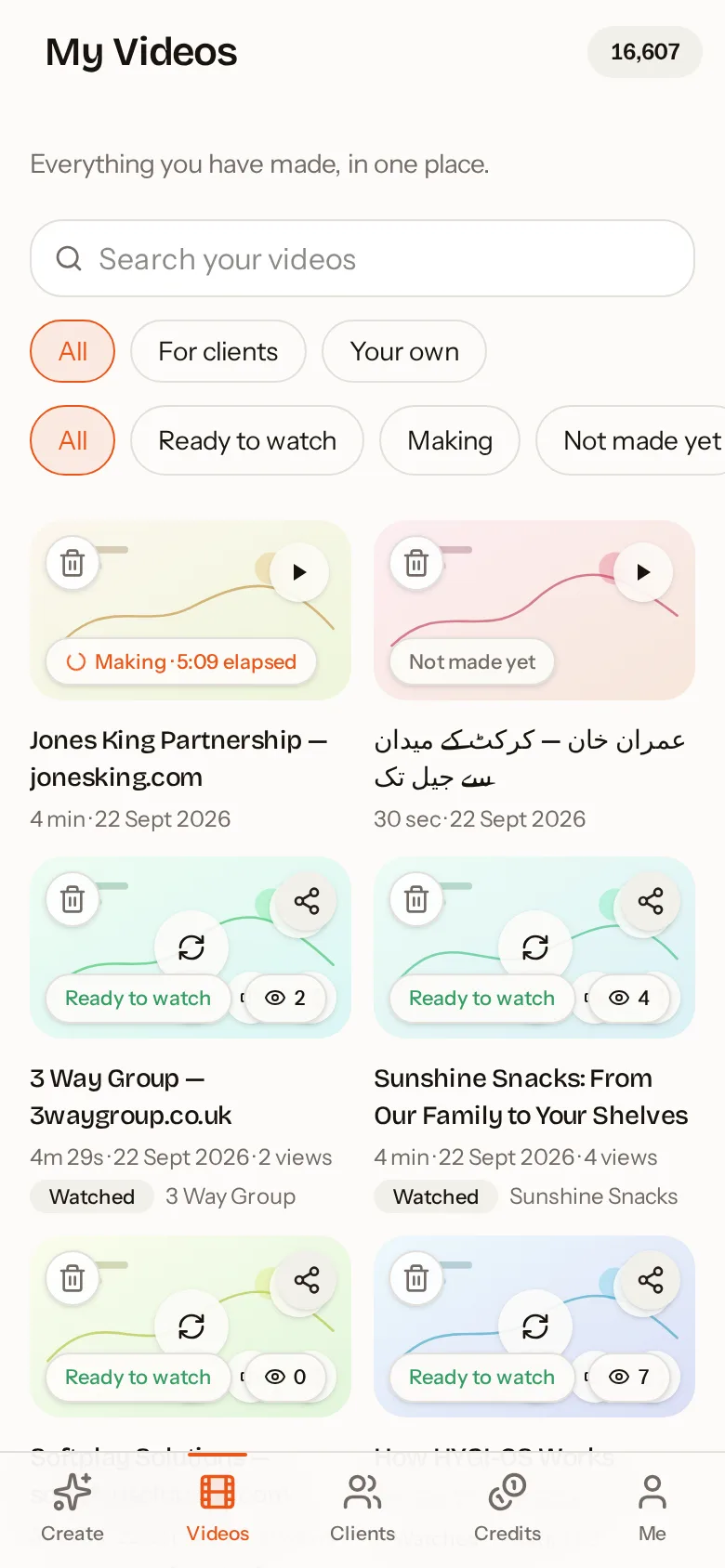
The app uses a clear bottom navigation — Create, Videos, Clients, Credits and Me — so everything is one tap away. Video cards show live status: Making with a timer, Ready to watch, or Not made yet. The share sheet is full screen on phones with large buttons for WhatsApp, social apps, copy link and email.

Fast on any phone

Rendering a whiteboard animation takes a lot of processing power. AutoScribble does this in the cloud, so the app remains small, fast and gentle on your battery and data. You can leave the app while the video is being made and come back when you get the email.

Why use an app instead of a website?

The website is ideal at a desk. The app is better when you are away from it: a home-screen icon, native sharing to WhatsApp and other apps, and a faster sign-in with your Google account. Many users do both — draft on the phone, review on a laptop.

Safe and private by default

Your videos are private unless you choose to share them. Shared links can be controlled, and you decide whether a video appears in the public gallery. You can delete your account and data at any time from the app's settings.

How to do it in four steps

  1. 1

    Install from Google Play

    Search AutoScribble or use the Get it on Google Play button on this page.

  2. 2

    Sign in with Google

    Your 100 welcome credits are added automatically.

  3. 3

    Create from anything

    An idea, a script, a website or a template — then pick length and shape.

  4. 4

    Share natively

    Send to WhatsApp, email or social apps straight from your phone.

AutoScribble app versus website

FeatureAndroid appWebsite
Create, edit and produce videosYesYes
Brand kits, templates, clientsYesYes
Same account and creditsYesYes
Home-screen icon, quick Google sign-inYesBrowser
Native share to WhatsApp and appsYesVia browser
Best forOn the move, quick repliesLong scripts at a desk

Inside the app

AutoScribble Android app: Describe your video, paste a script or use a website
Describe your video, paste a script or use a website
AutoScribble Android app: Watch your sketch video being drawn and narrated
Watch your sketch video being drawn and narrated
AutoScribble Android app: Every video in one place, ready to watch and share
Every video in one place, ready to watch and share
AutoScribble Android app: Start from a proven template for your industry
Start from a proven template for your industry
AutoScribble Android app: Brand kits keep your colours and logo on every video
Brand kits keep your colours and logo on every video

Frequently asked questions

Is there a whiteboard animation app for Android?

Yes. AutoScribble is available on Google Play and makes narrated whiteboard animation videos from your phone, from script to finished MP4.

Is the app free?

The app is free to download and includes 100 welcome credits, enough for a one-minute video. Additional videos use credits: 100 credits per finished minute.

Is there an iPhone version?

The native app is currently on Android. iPhone users can use the full studio in Safari at autoscribble.com and add it to the home screen.

Do the app and the website share the same account?

Yes. Sign in with the same email or Google account and your videos, credits, brand kits, clients and templates are identical on your phone and on autoscribble.com. Start a script on the train and finish it at your desk.

How long can a video be?

Anywhere from 30 seconds to 4 minutes. Short 30 to 60 second films suit social media and adverts; 2 to 4 minutes suits homepage explainers, training and detailed product walk-throughs. Your chosen length is respected: if your script is too short, the app tells you before anything is charged.

Which languages are supported?

AutoScribble detects your script's language automatically and supports 15 languages including English, Spanish, French, German, Arabic, Urdu, Hindi, Chinese and Japanese. The narration and the on-screen words follow the language of your script.

Related guides

See how teams use it by sector — for example teachers and tutors, workplace training and agencies, or all sectors.

Make your first video on your phone today

Free to download. 100 welcome credits — enough for a one-minute video. Same account on the app and the web.

Get it on Google Play